What Is Integer Scaling, and Why Does It Matter?
Integer scaling multiplies an old console's fixed low resolution by a whole number to fit a modern screen, keeping every pixel crisp. 640x480 is exactly 2x PS1's native 320x240 — the reference example in retro handhelds. A screen resolution that isn't a clean multiple of the source resolution stretches unevenly, blurring fine detail and text no matter how sharp the panel itself is.
The one thing to know: Old consoles rendered at fixed low resolutions (256x224 for many SNES/Genesis titles, 320x240 for PS1). A screen that is an exact multiple of that resolution — like 640x480, exactly 2x PS1's 320x240 — can integer-scale the image with crisp, uniform pixels. A mismatched resolution has to stretch unevenly, causing blurry or wavy scaling artifacts on fine detail and text, no matter how sharp the panel itself is.
The 640x480 / PS1 example
PS1 games render internally at 320x240. A handheld screen at exactly 640x480 can double every original pixel into a uniform 2x2 block — a perfect integer scale with zero blur or distortion. This is why 640x480 became a common reference resolution for budget-tier retro handhelds specifically built around strong PS1 support.
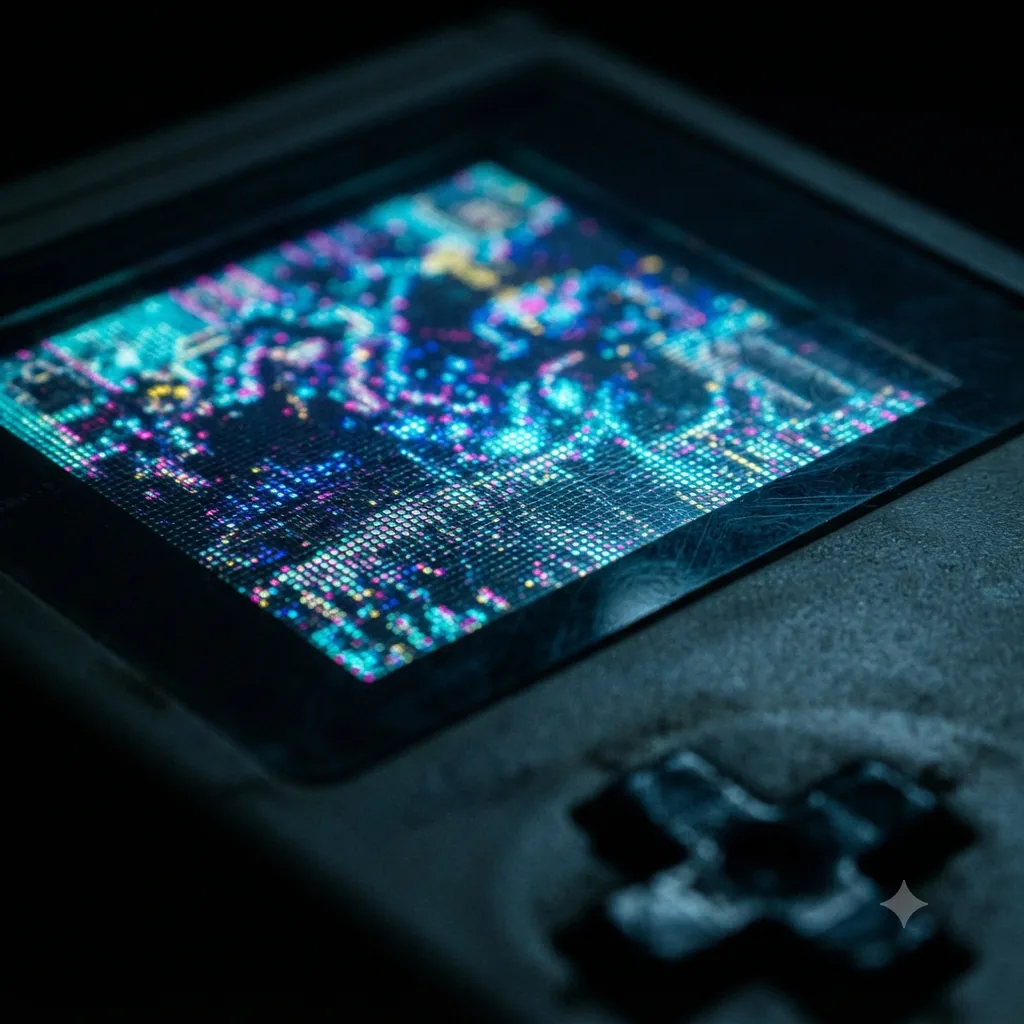
Why non-integer scaling looks worse than it should
If a screen's resolution isn't a clean whole-number multiple of the source, the display has to blend pixels unevenly to fill the space — some original pixels get stretched wider than others. The result is subtly blurry edges and distorted text, an artifact of the resolution mismatch, not a flaw in the panel's actual sharpness.
Why 16-bit systems scale messier than PS1
Many SNES and Genesis titles used resolutions like 256x224, which is a less common exact multiple of typical handheld panel resolutions than PS1's cleaner 320x240. That's why 16-bit libraries more often show visible non-integer scaling artifacts even on well-specced screens, and why some emulators offer dedicated "integer scale" display modes (sometimes adding black borders) to force the crispest possible whole-number fit.
This page is general display-technology information, independent of any specific device or emulator.
Frequently Asked Questions
Integer scaling multiplies a source image's resolution by a whole number (2x, 3x, etc.) to fit a larger screen, so every original pixel becomes a uniform block of pixels with no blurring or distortion — as opposed to non-integer stretching, which unevenly blends pixels and blurs fine detail.
640x480 is exactly 2x PS1's native 320x240 resolution, so a 640x480 handheld screen can display PS1 games with a clean integer 2x scale — every original pixel becomes a crisp 2x2 block, with no blur.
Yes, though it's messier — many SNES and Genesis titles used resolutions like 256x224 that aren't as commonly an exact integer factor of typical handheld screens, so non-integer scaling artifacts show up more often on 16-bit libraries than on PS1's cleaner 320x240.
Many emulators offer an 'integer scale' display mode that forces the crispest possible whole-number multiple, sometimes with black borders, rather than stretching to fill the screen. Check your specific emulator's display settings.